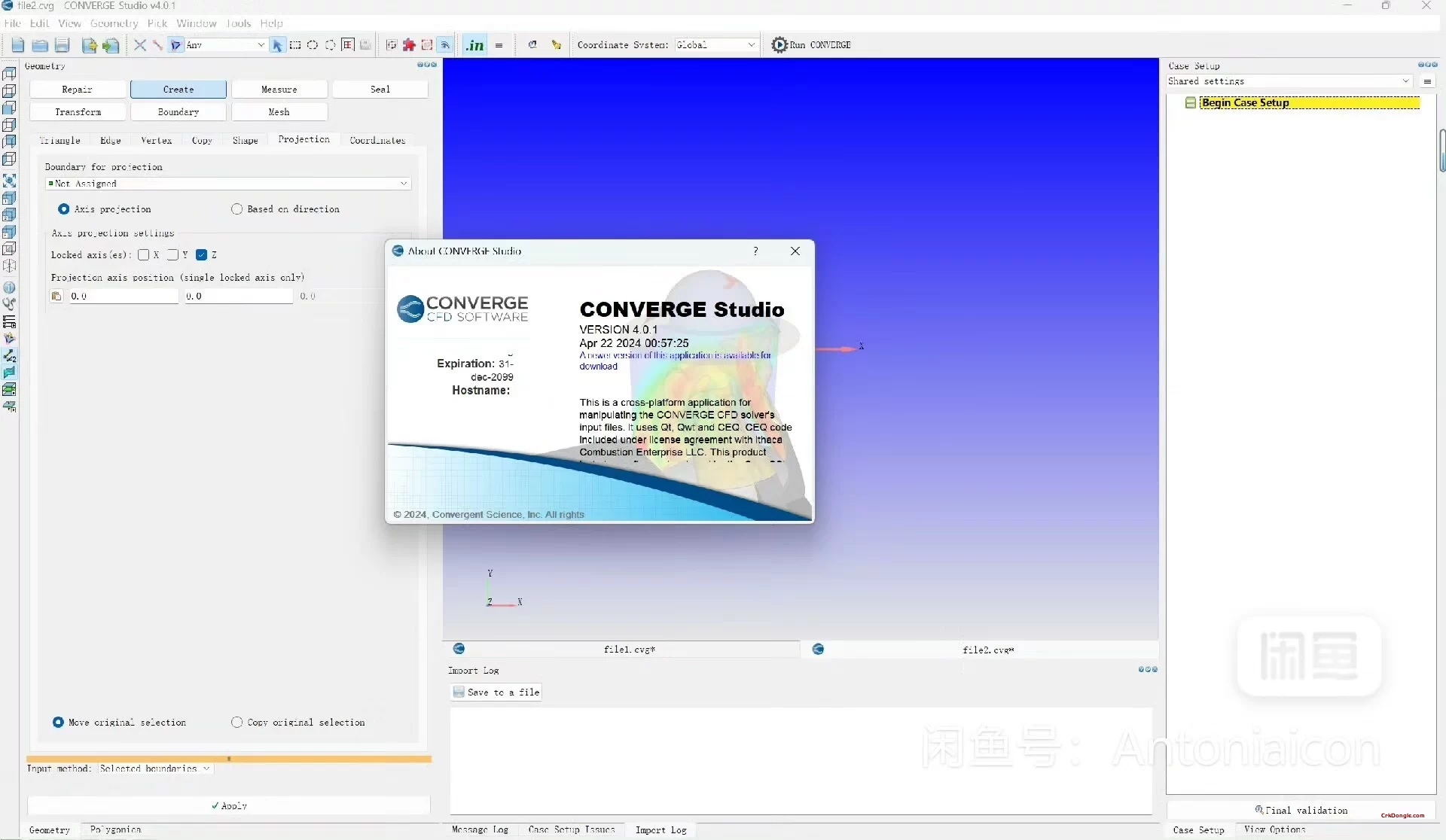
CONVERGE Studio 5.1.0 for Linux: The Graphical Interface for Autonomous CFD
CONVERGE Studio 5.1.0 for Linux is the dedicated graphical user interface (GUI) companion software for CONVERGE CFD, a leading computational fluid dynamics solver known for its fully automated, cut-cell Cartesian meshing. This Linux-native version of Studio provides engineers and analysts with an intuitive environment to prepare simulation cases, submit jobs to compute clusters (including those running Linux), and visualize complex 3D results, all without needing to write manual scripts or edit text files for the core solver.
Core Function: Streamlining the CONVERGE CFD Workflow on Linux
The primary role of CONVERGE Studio is to manage the complete simulation workflow for the CONVERGE solver on Linux systems. It acts as the central hub for geometry import, boundary condition setup, model selection, job submission to HPC resources, and detailed post-processing of results, making the powerful but complex CONVERGE solver more accessible and efficient to use.
Key Workflow & Features:
1. Case Setup & Pre-Processing
-
Geometry Import & Preparation: Imports CAD geometries, cleans surfaces, and defines moving parts (like valves and pistons for internal combustion engine simulations).
-
Boundary & Initial Condition Setup: Provides forms and dialogs to define all physical and numerical parameters for the simulation through a GUI, rather than a manual input file.
-
Autonomous Meshing Configuration: Allows users to set the rules and refinement criteria for CONVERGE’s signature automated grid generation, including adaptive mesh refinement (AMR).
2. Job Management & HPC Integration
-
Job Submission & Monitoring: Integrates with job schedulers (like Slurm, PBS) common on Linux HPC clusters to submit, queue, monitor, and manage CONVERGE simulation jobs directly from the Studio interface.
-
Remote Case Management: Can manage cases and access results on remote Linux servers or clusters.
3. Advanced 3D Visualization & Post-Processing
-
Integrated Post-Processor: A powerful visualization tool for examining 3D results directly within Studio. It can create iso-surfaces, contour slices, vector plots, and particle tracks.
-
Quantitative Analysis: Extract and plot quantitative data (pressures, temperatures, forces) over time or space.
-
Animation & Reporting: Generate high-quality images and animations for analysis and reporting.