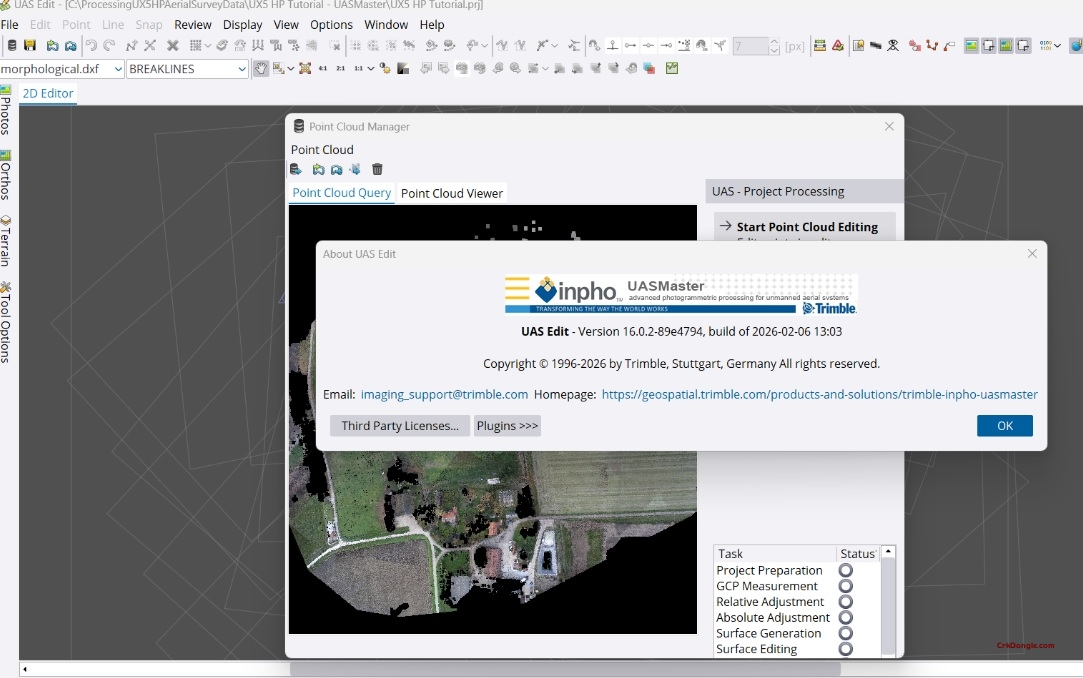
Trimble Inpho UASMaster 16.02: Professional UAS Photogrammetry Software
UASMaster 16.02 is Trimble’s advanced photogrammetric processing software designed specifically for unmanned aircraft systems (UAS) and terrestrial close-range imagery. It combines intuitive guided workflows with the full power of a professional photogrammetric workstation, bridging the gap between simple black-box solutions and expert-level processing .
Key Features
Complete Photogrammetric Workflow
-
Full Automatic Georeferencing: Automated aerial triangulation, camera calibration, and refinement with quality analysis
-
Dense Point Cloud Generation: Create colorized dense point clouds, digital surface models (DSM), and bare earth terrain models
-
Orthophoto Production: Generate digital orthophotos, classic orthos, and true orthos with local-area editing tools
-
3D Textured Meshes: Photorealistic 3D mesh generation for visualization and streaming applications
Advanced Processing Capabilities
-
Computer Vision Algorithms: Incorporates modern computer-vision techniques combined with proven photogrammetric methods for accurate results with minimal manual interaction
-
Direct Georeferencing Support: Optimized for UAS with GPS/IMU data (e.g., Applanix APX-15), enabling stable processing in challenging conditions and reducing reliance on ground control points
-
Flexible Processing Modes: Quick black-box processing or multi-step workflows with quality-optimized or performance-optimized parameter presets
-
Stereoscopic 3D View: Stereo 3D imagery support for GIS data collection and vector map digitization
3D Reconstruction Projects
-
Arbitrary Flight Paths: Support for nadir, oblique, and hand-held imagery datasets with flexible 3D georeferencing
-
No Prior Data Required: Process imagery without known camera parameters, approximate orientations, or reference points—optional constraints available
-
Sparse Point Cloud Output: Geo-referenced tie point clouds ideal for stockpile computations and volumetric analysis
Editing & Refinement Tools
-
Point Cloud Editing: Interactive context-driven editing, classification, filtering, and morphological data creation (break-line measurements)
-
Terrain Following: Automatic correlation-based terrain following enables precise stereoscopic measurements without stereo experience
-
Ortho Editing: UAS-specific local-area ortho editing tools for seamless mosaic creation